YOU PRINT
9 structural parts
Physical printed parts are not included.
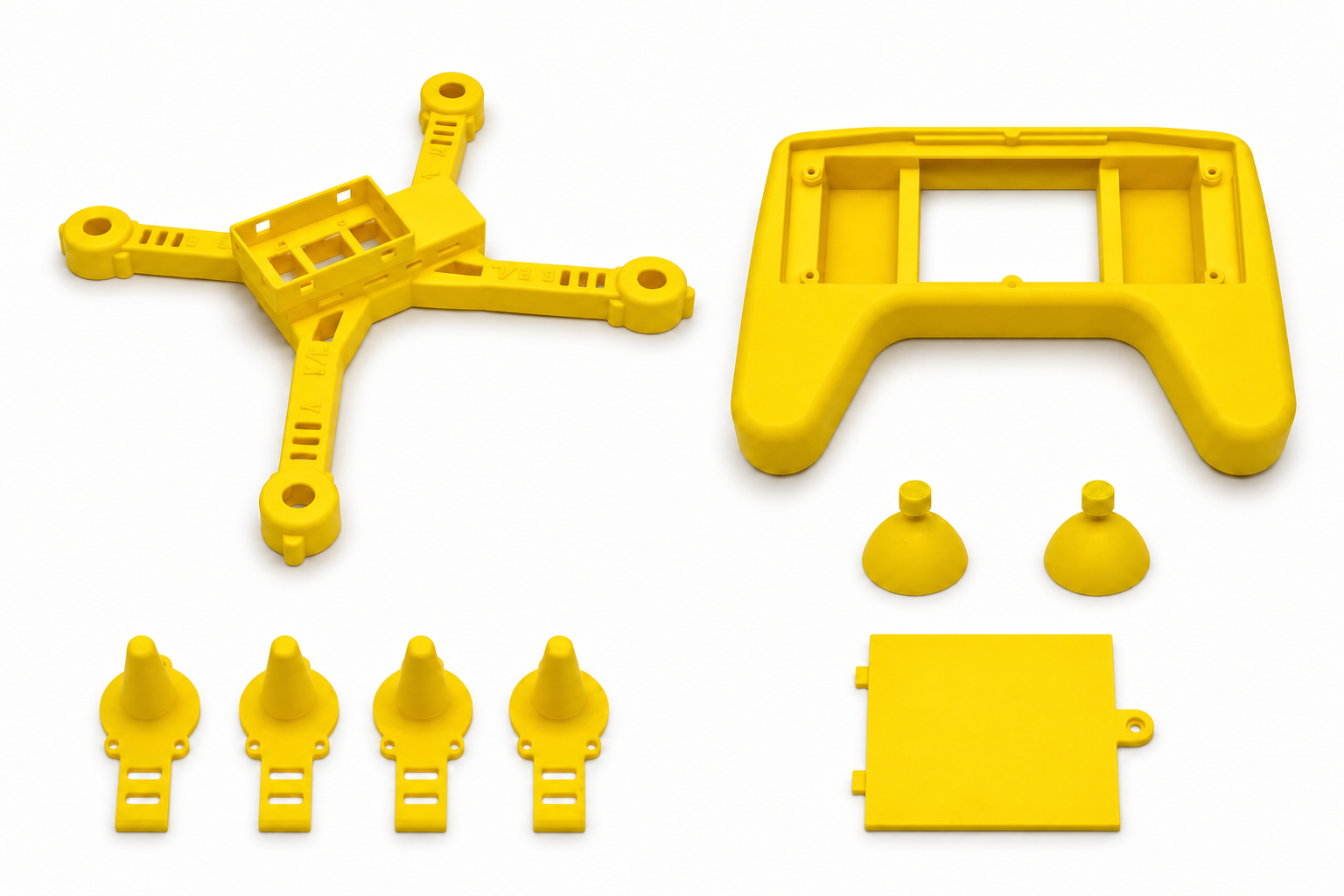
Drone: 1 one-piece frame + 4 landing feet.
Controller: 1 housing + 2 stick caps + 1 cover.

EIELE DIY 3D Printable Drone Kit
3D-print the structural parts.
Assemble them with the supplied components.
No soldering required.
Physical printed parts are not included.
Drone: 1 one-piece frame + 4 landing feet.
Controller: 1 housing + 2 stick caps + 1 cover.
Install these onto your printed parts.
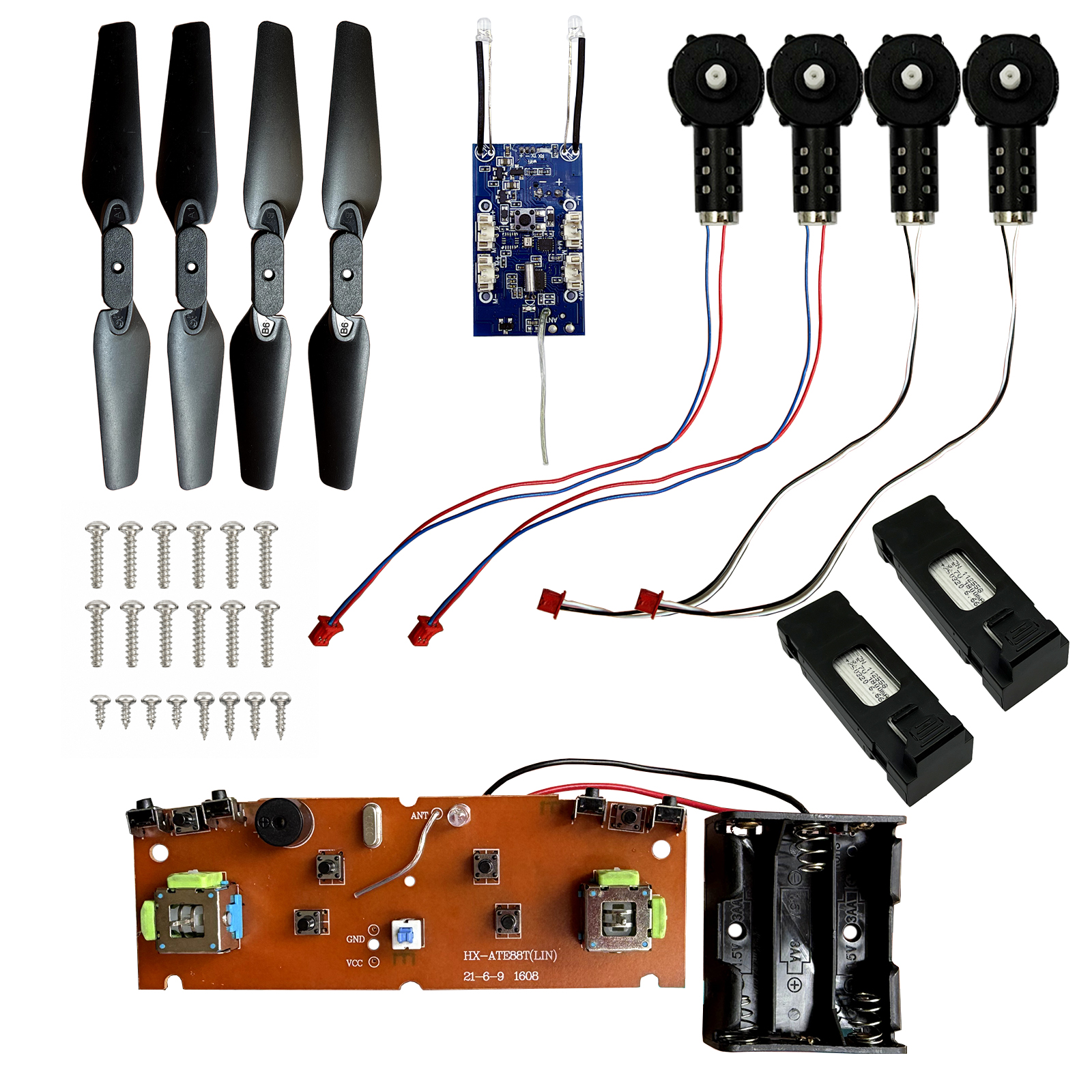
4 geared motor units, propellers, electronic boards and screws.
Also included: 2 drone batteries, charging cable and 3 AAA controller batteries.
Printed parts + supplied components.
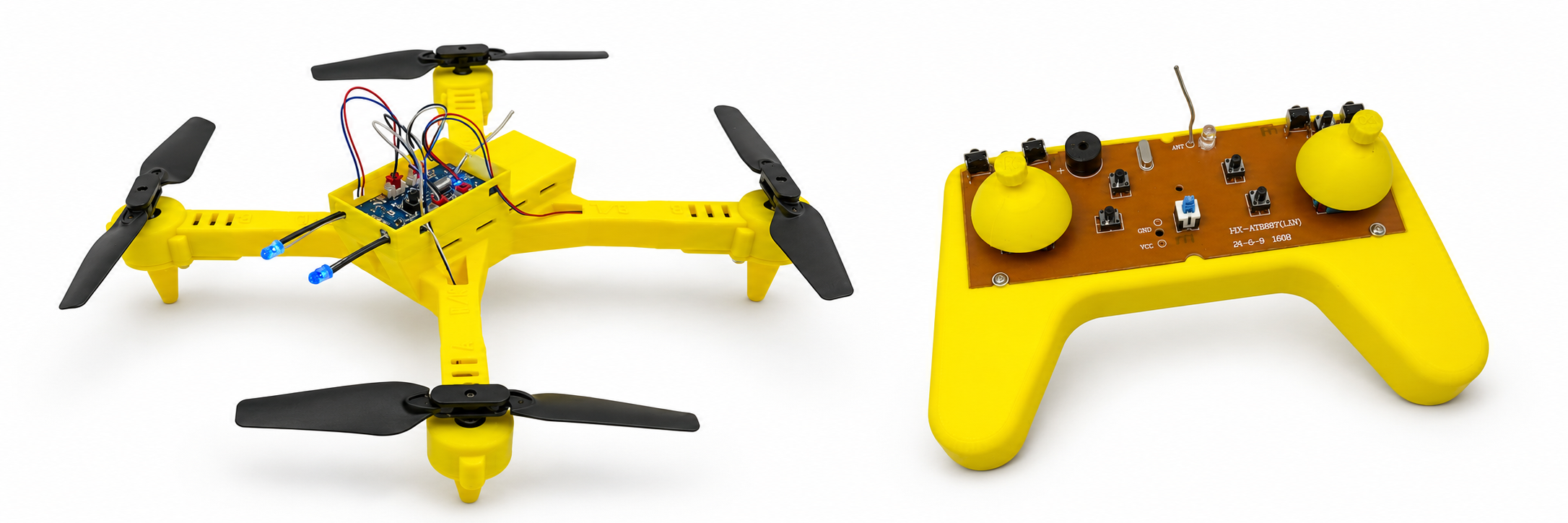
Fit the components, plug in the connectors and fasten the screws.
No soldering. Assembly is required before flight.
Get the files here and slice them for your printer.
Get all FH330 printable parts in one ZIP.
Download ZIP / Extract STL files / Slice & print
No account or email required.
Need only one part? Select its STL file below.
Choose your preferred printing community and get started printing.
Read the FH330 printing guide online.
Read printing guideRead online. Temporary F120 reference PDF; FH330 assembly instructions are pending.
Read assembly guideWatch the supplied video on YouTube. Opens in a new tab.
Watch assembly videoNo account or email is required to download STL files or read the guides on this website. Third-party platforms may have their own account requirements.
Save the page address and open it on your computer. Download and extract the ZIP, then import the models into your slicer. Alternatively, use a supported platform workflow for your printer.
No. You need to print the structural parts yourself. The kit does not include a 3D printer or the finished printed frame and controller housing.
See the printing guide and the settings images for each part. The supplied screenshots show a 0.4 mm nozzle, PLA Basic and a 0.16 mm layer height. Check the part-specific orientation and support instructions before slicing. Results may vary by printer and filament.
Go to Individual part downloads and select Download STL beside the part you need. Print the quantity shown in that row.